Quality inspections
Find deficiencies. Fix them. Show the customer.
Supervisors score a site on your template. Every failed item becomes a correction with an owner and a due date, and the customer’s quality report shows the score and what was fixed.
Included in OperationsPricing
What you get
- Your templatesBuild the checklist per site type: washrooms, floors, kitchens, offices. Items can be Pass, Fail or N/A.
- A fair scoreThe score leaves out N/A items, so an unused area never lowers a site.
- Every fail becomes a fixA failed item creates a correction work order with an owner and due date; it stays open until someone closes it.
- Customer quality reportCustomers see inspections of their sites in their portal and can download each one as a PDF. Internal notes never leave the office.
- Raise an issue about an inspectionA customer can question an inspection from the portal; it arrives as a complaint linked to that inspection.
- Trend by siteInspection scores sit next to hours against contract and site profit, so you decide on facts.
How it connects
Each step feeds the next, so nothing is typed twice.
Questions
Can customers see inspections?
Yes, for their own sites, in the customer portal, with a PDF per inspection. Internal notes are never shown.
What happens to a failed item?
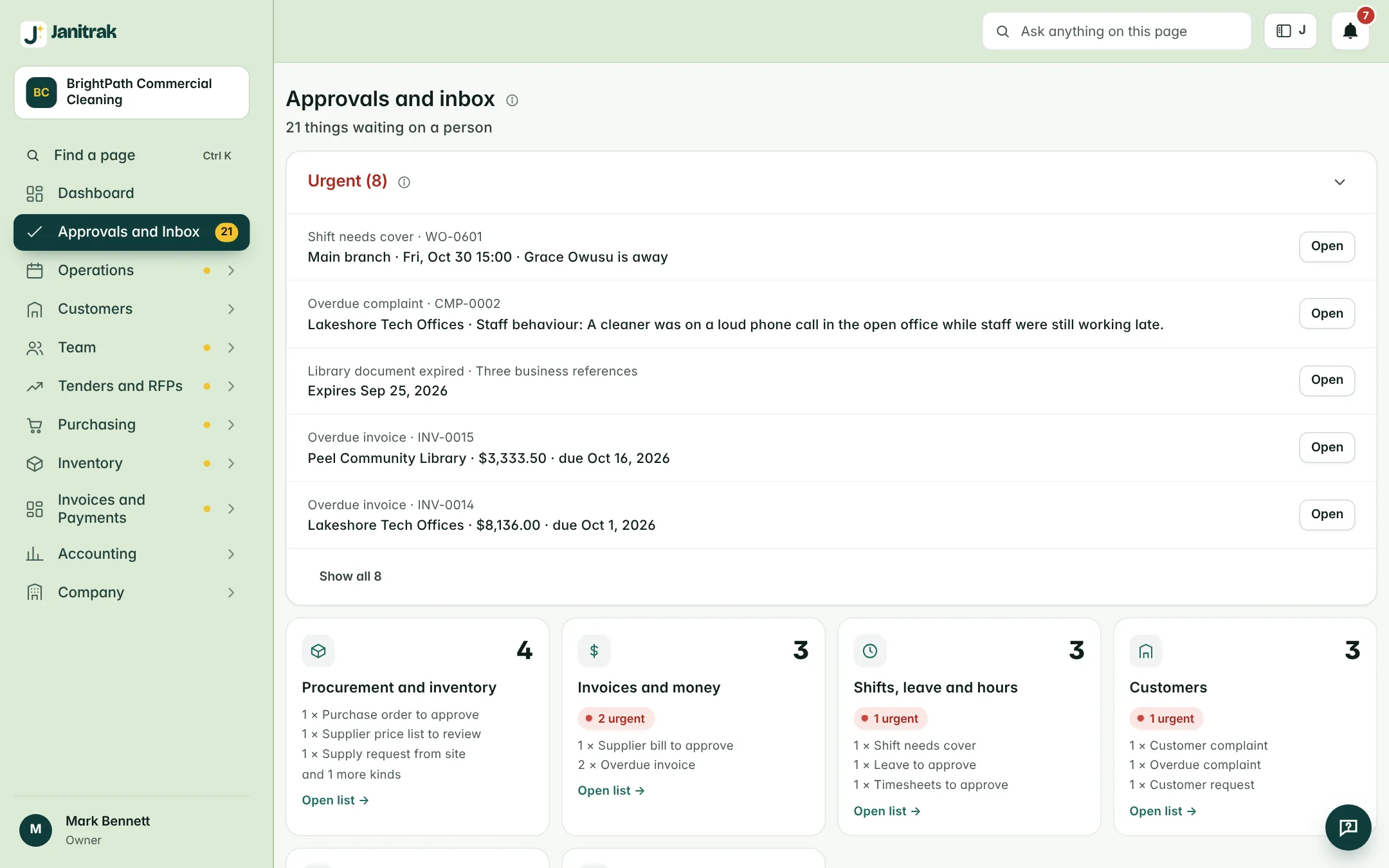
It becomes a correction work order with an owner and a due date and shows under Approvals and inbox until it is closed.
Can we use our own inspection form?
Yes. Templates are yours: sections, items and which ones allow N/A.
See it with your own sites and staff numbers.
A video walk-through takes 30 minutes. Prices are in Canadian dollars, before tax.